Delete your account
Follow these steps in the SirveZone mobile app to permanently delete your account.
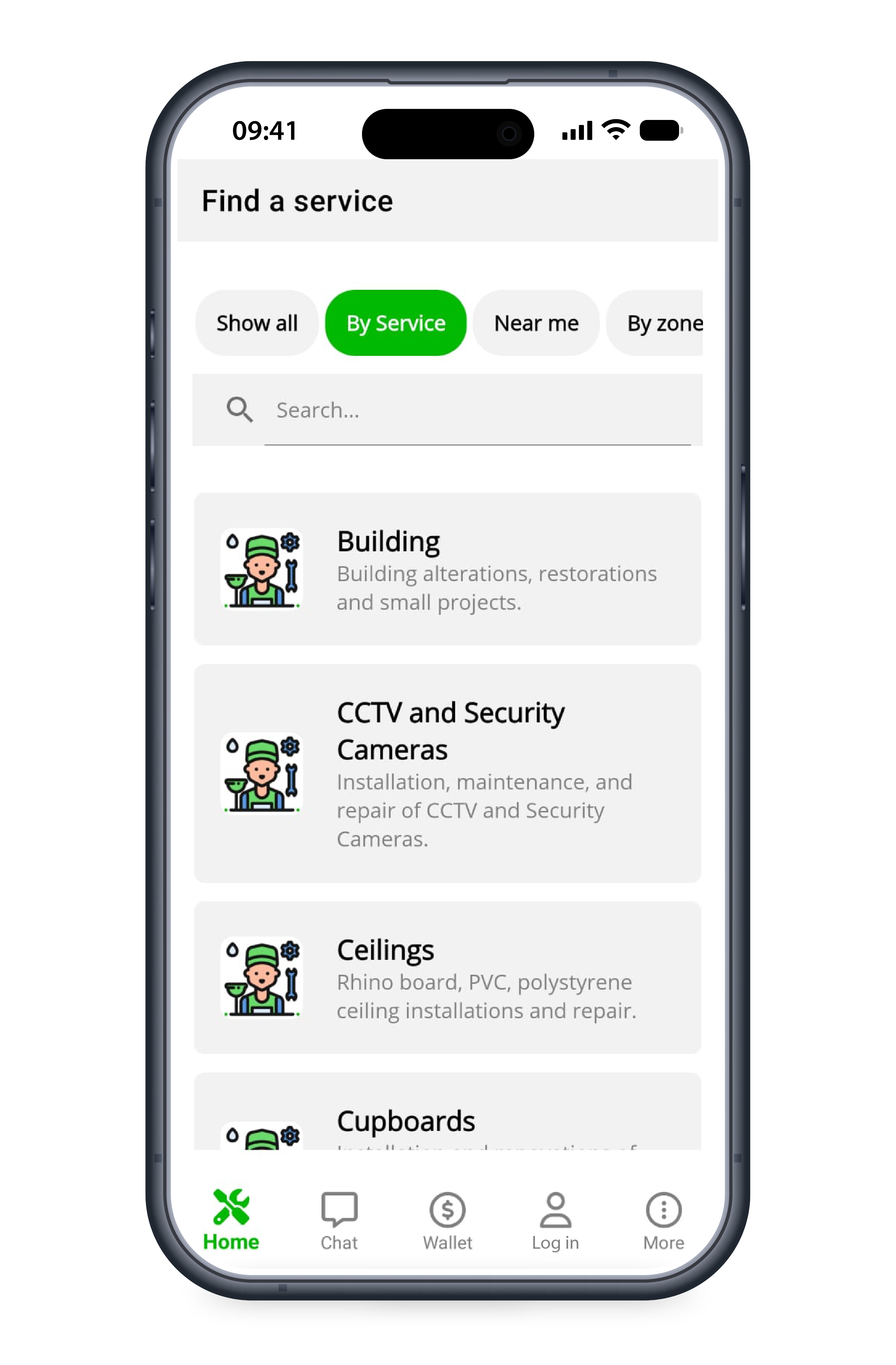
On the home page, click Log in.
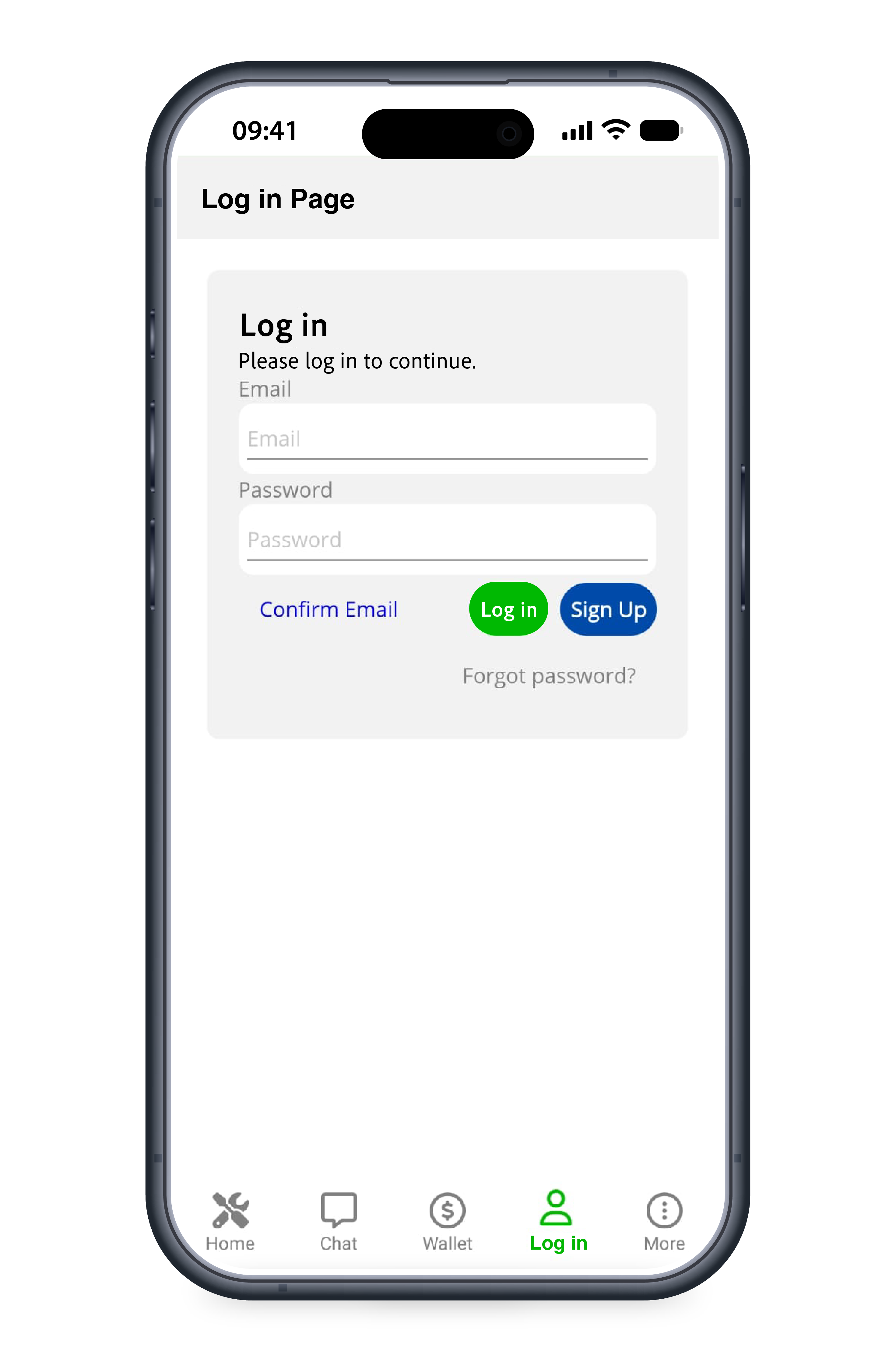
Enter your email and password, then click Log in again.
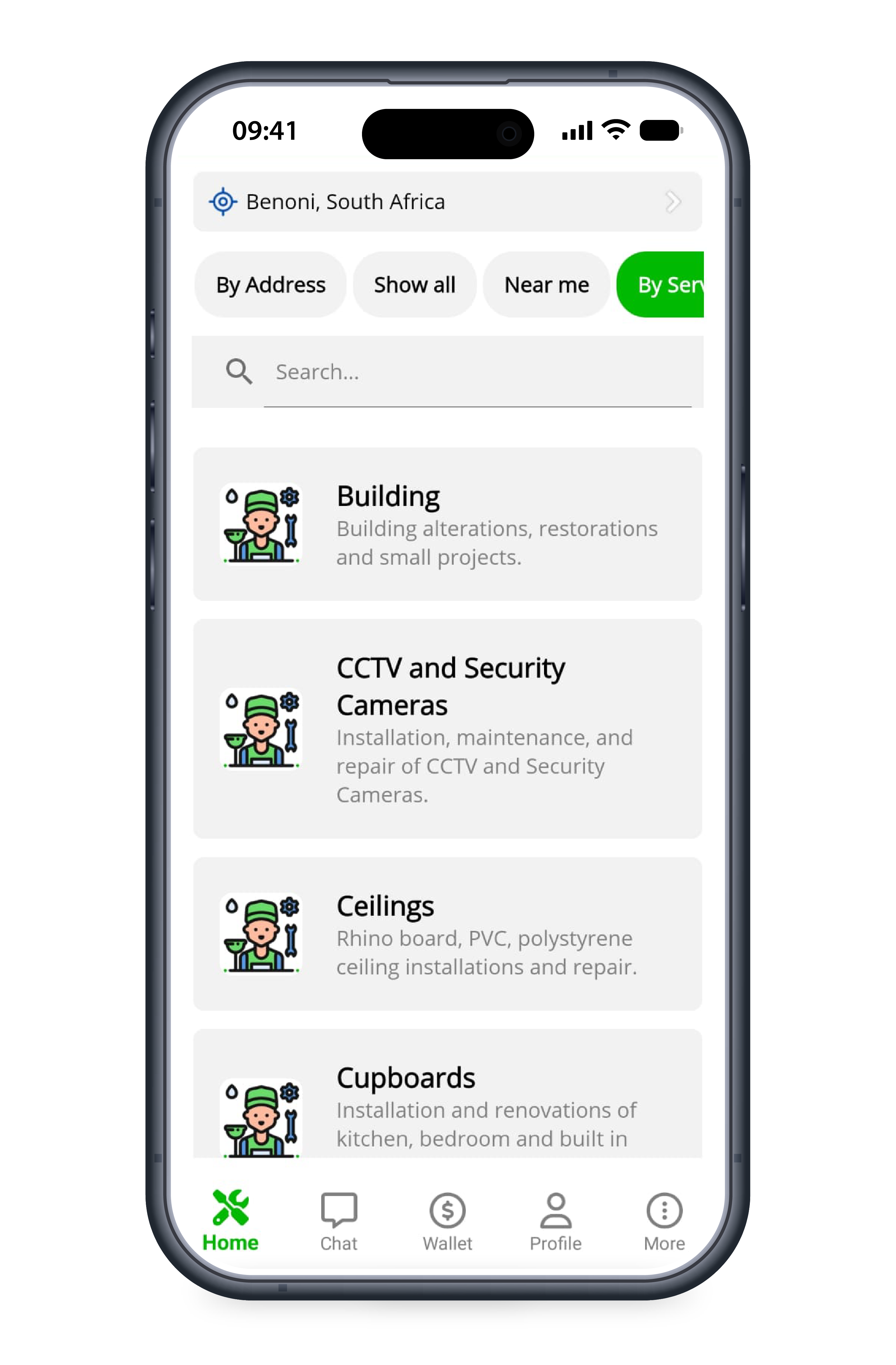
Click on the Profile icon at the bottom of your screen.
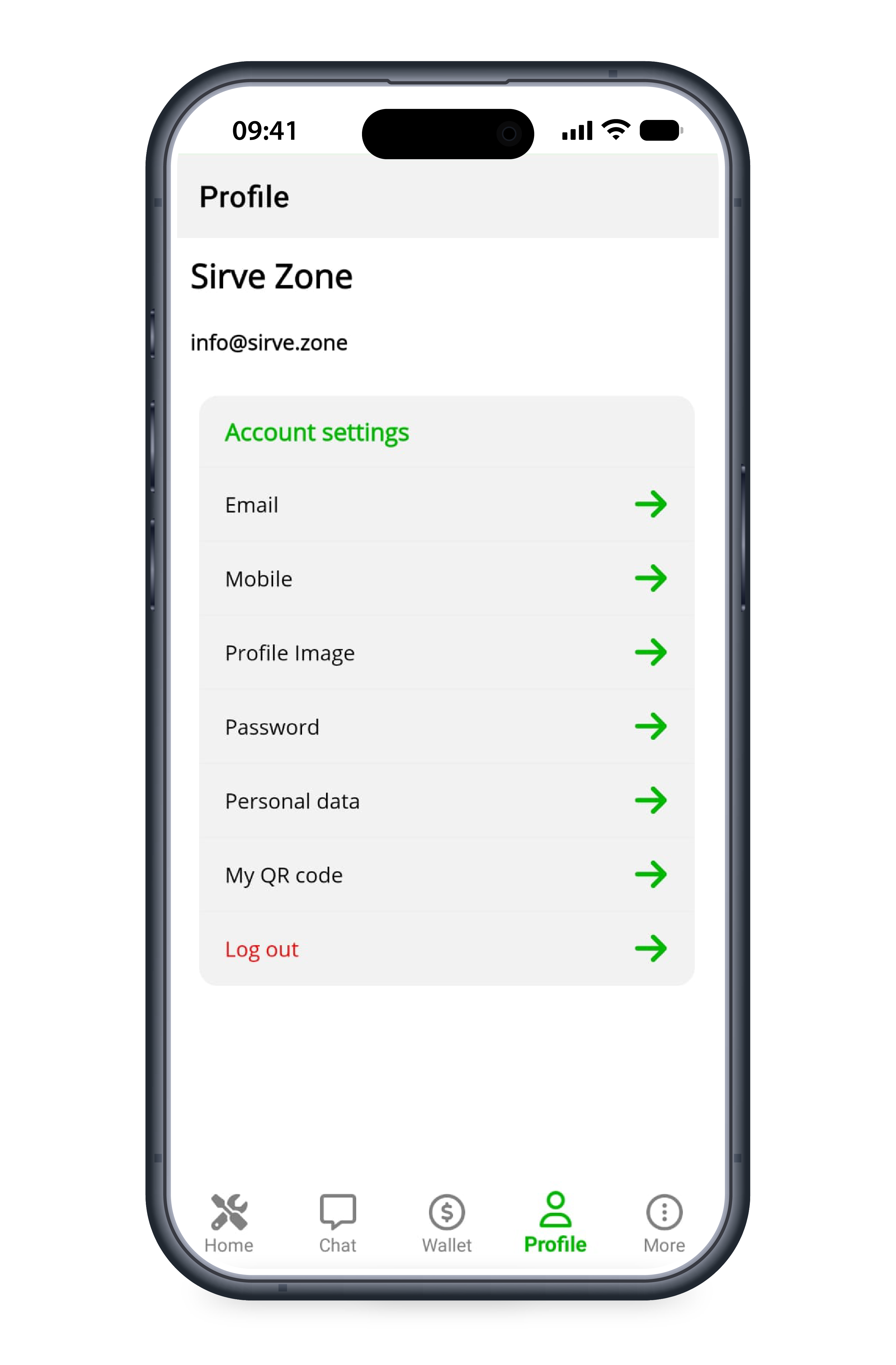
Select Personal data from the menu.
Click Delete account.
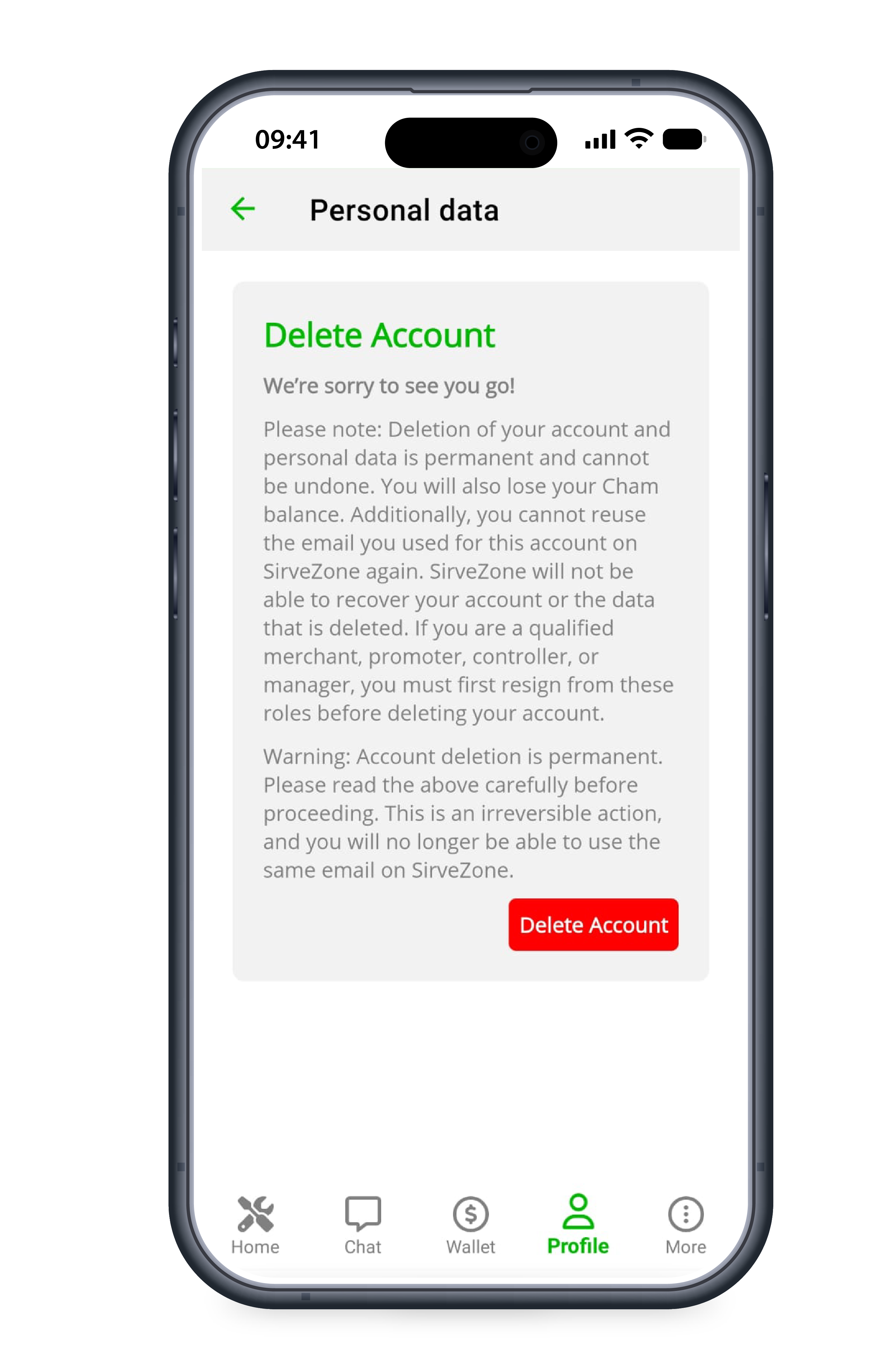
Read the warning carefully and confirm if you wish to permanently delete your account.